
Kitchen & dining
Check where shadows fall on countertops. Under-cabinet lighting can help, but glossy surfaces can introduce reflections. Control task and decorative lights separately.
Two homes can use similar fixtures and have very different lighting. Placement, glare, dimming and controls matter more than the trim finish. This guide explains what to look for.
Lighting and home design research · Hayes Real Estate Lab
An expensive fixture can still create glare. A ceiling full of recessed lights can still leave counters, artwork and seating poorly lit. Start with how the room is used and where light needs to fall.
Before choosing fixtures, ask where light is needed and where it might create a problem.
Photograph: Caroline Badran / Unsplash. The home shown is not in Arizona.Most rooms need more than one type of light. Separating these layers gives homeowners more control without adding unnecessary fixtures.
General lighting makes the room usable. Wall-washing, indirect light or properly aimed recessed fixtures can provide it without leaving bright lamps in view.
Put light where someone reads, prepares food or uses a mirror. Check for shadows before deciding how many ceiling fixtures to install.
Use it to highlight artwork, materials or architectural details. Aim carefully so the feature is visible without shining into someone's eyes.
Choose a scene and change the settings. You can also select the fixtures in the room to turn ambient, task and accent lighting on or off. Watch how the lighting changes.
Start with a scene or adjust each setting yourself. These examples help show the tradeoffs; results in an actual home depend on the fixtures and installation.
01 / START WITH A SCENE
Pick a scene or make your own. Select Ambient, Task or Accent in the room to turn that layer on or off.
Reset room02 / LIGHT DIRECTION & GLARE
Fixture shielding
Beam spread
03 / HOW COLORS APPEAR
This changes the colors on your screen to show why color rendering matters. It is not a CRI or TM-30 test. For actual fixtures, request CRI/R9 and IES TM-30 data from the manufacturer.
04 / CHOOSE THE LIGHTING LAYERS
Shielded fixtures reduce the direct view of bright lamps. The ambient, task and accent lights are all on. Change the settings to compare the same room.
The room shows changes in light appearance, placement and direction. It does not calculate actual light levels, glare ratings or color-rendering scores. Use the manufacturer's specifications and a lighting professional for a final design.
04 / ROOM-BY-ROOM PLANNING
Start with the tasks, furniture layout and materials. The right fixture placement often matters more than the number of fixtures.
Check where shadows fall on countertops. Under-cabinet lighting can help, but glossy surfaces can introduce reflections. Control task and decorative lights separately.
A room may need general light, a reading lamp and light for artwork. Check glare from the sofa and other common seating positions.
Check face-level lighting at mirrors, reachable bedside controls and a safe route through the room at night. Confirm appropriate fixture ratings near moisture.
Use outdoor fixtures that direct light where it's needed. Check steps, paths, neighboring windows and glare from outdoor seating.
Confirm that the fixture, LED driver and dimmer work together. Check insulation clearances, ceiling air sealing and access for future repairs.
Look at actual stone, wood, fabric and artwork samples under the proposed lights. Ask for beam data and color-rendering specifications.
A fixture's appearance doesn't tell you much about its performance. These are the specifications I would check before deciding whether a lighting upgrade is worthwhile.
Kelvin describes whether white light looks warm or cool. It does not tell you how accurately the light shows colors.
CRI is one way to describe color fidelity. IES TM-30 adds fidelity and gamut information. Ask for the full data when finishes and artwork matter.
Look at the actual light source from the sofa, counter and entry. A bright source in your line of sight can cause glare even when the room is not overly bright.
Test dimming at the lowest setting. Check for flicker, buzzing, poor response, and whether the lights still work if an app or network goes down.
Compare fixture wattage, light output, hours of use and controls. A more expensive fixture is not necessarily more efficient.
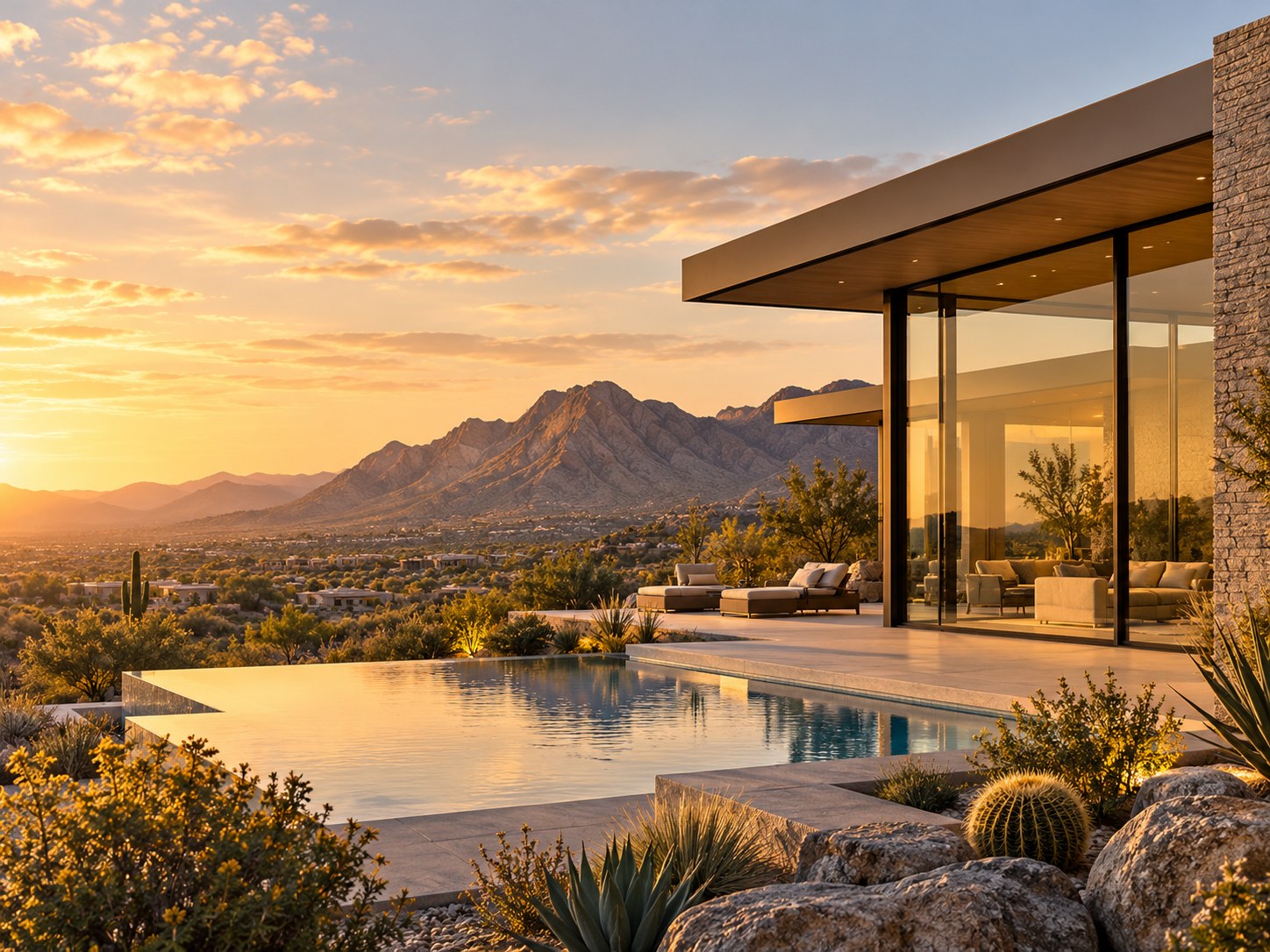
Large windows can bring in useful daylight and views, but also unwanted glare and heat. East- and west-facing glass deserves particular attention because of low-angle sunlight.
Consider window placement, exterior shading, glazing and interior shades together. Reducing solar heat gain and controlling glare are related, but they are not the same thing.
Explore Arizona Shade & Solar Exposure ↗Understand Window Performance ↗Visit after dark. Try each lighting scene and look for glare, harsh reflections and poorly lit stairs.
Dim the lights to their lowest stable setting. Look for flicker, buzzing and uneven color.
Check counters, mirrors and reading areas. Good task lighting should not leave you working in your own shadow.
Ask for fixture and driver model numbers, programmed scenes and instructions for the control system. Check whether physical switches work without internet access.
Ask who can service the system and whether replacement LED modules and drivers are available.
Hayes Real Estate Lab provides general education about homes and building systems. The room simulator is a visual comparison, not a lighting calculation. An electrician or lighting designer should review equipment, safety, code requirements and installation details.
A home's lighting is worth evaluating the same way you would its windows, HVAC equipment or other systems. Ask what it does, how well it works and what it will cost to maintain.
Schedule a Consultation ↗